Sony DualSense Edge Review: Back Buttons and Swappable Sticks, but a Short Battery
At $219.99 the DualSense Edge adds back buttons, trigger stops, four profiles and swappable stick modules to the PS5 pad. We weigh that against a battery that runs 5 to 8 hours.
The verdict
The best PS5 pad for players who use back buttons and want drift to be a $20 repair instead of a replacement. It is also expensive, heavier than the standard DualSense and good for roughly 5 to 8 hours per charge. Buy it if you play competitive shooters on PS5. Everyone else should keep the standard pad and save about $150.
Best forCompetitive PS5 players who want back buttons and swappable sticks
What we liked
- Two back buttons, with a choice of half dome or lever paddles
- Swappable stick modules turn drift into a small repair
- Three-stage trigger stops give short, mouse-like clicks
- Four saved profiles, switched with the Fn key
- Hard case and braided cable included in the box
What we did not
- Battery lasts about 5 to 8 hours in independent tests
- Costs $219.99, roughly three times a standard DualSense
- Heavier than the standard pad, at 328 g against 282 g
- Spare stick modules cost extra and the case is bulky
The DualSense Edge asks one question of every PS5 owner: do you press buttons your thumbs cannot reach? If the answer is yes, this pad earns its place. If the answer is no, you are paying for a very nice case.
What the extra $150 actually buys
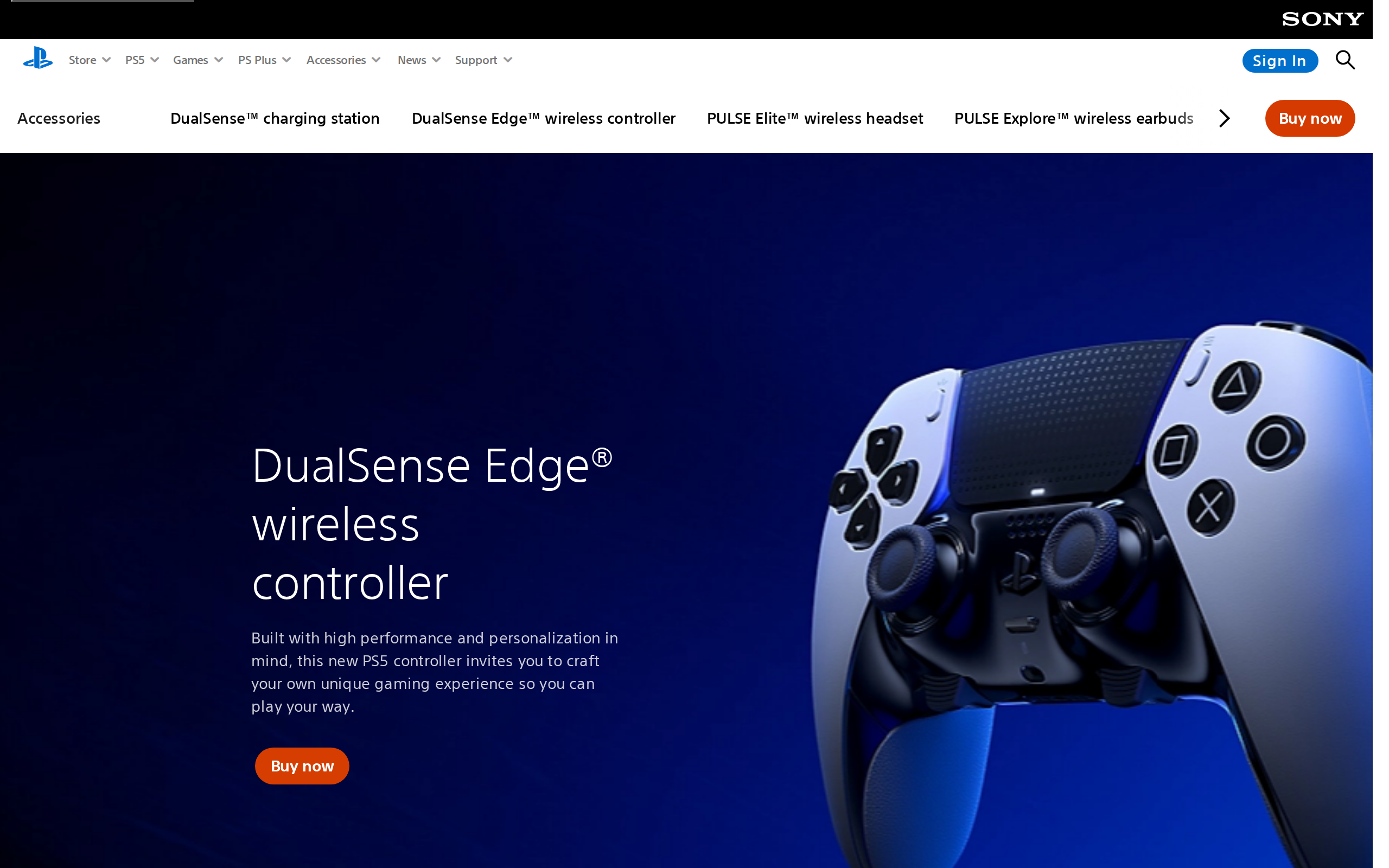
The standard DualSense is the baseline. The Edge keeps its haptics and adaptive triggers and adds four things that matter in play.
First, two back buttons. Sony ships two shapes in the box, a half dome and a lever, two of each, and you pick the pair that fits your grip. Second, trigger stops: three settings per trigger, where the shortest turns the pull into a quick mouse-style click. Third, four saved profiles you flip between with the Fn key. Fourth, stick modules you can pull out with a release switch.
Setting all of that up on the console is quick, and no companion app is needed. Deadzones, sensitivity curves and button maps are all in the PS5 settings, and a profile follows you from game to game.
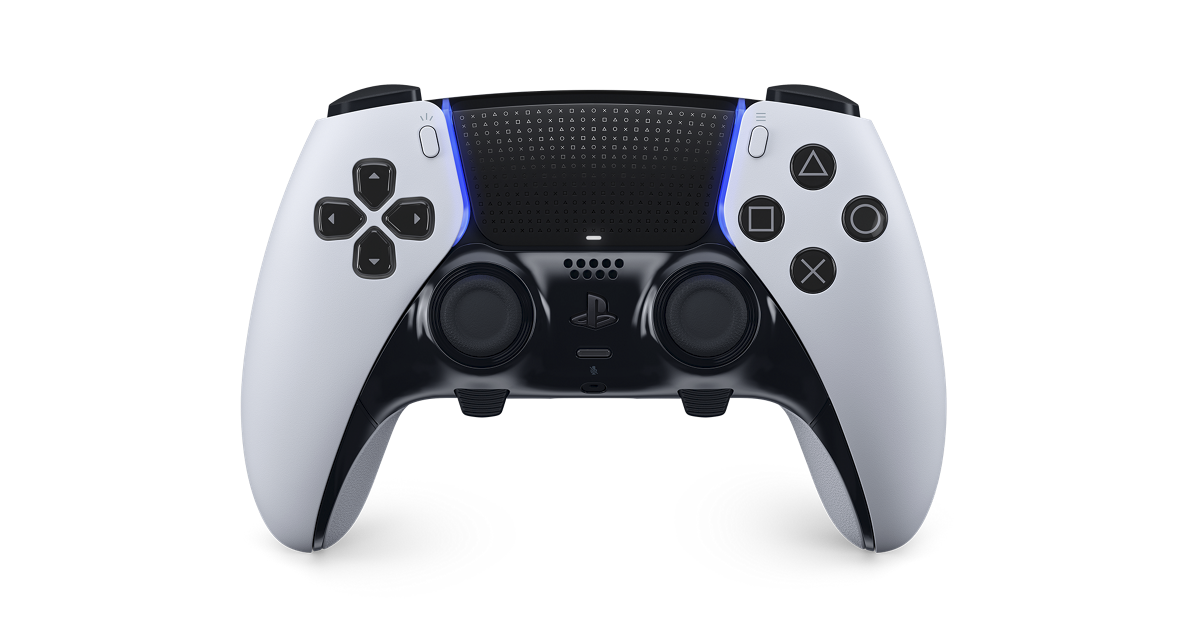
The back buttons are why you would buy it
Moving jump or crouch onto a paddle lets your right thumb stay on the stick. In shooters that is the whole case for a pro pad. The lever paddles stick out further and are easier to find by feel, while the half domes sit flush against the grips. Basic Tutorials describes both as metal and accurate.
Trigger stops are the quieter win. On the shortest setting a trigger travels only a short way, so rapid-fire games feel crisper. Leave it long and adaptive trigger effects still work. A small feature, and the one competitive players tend to use most.
Stick modules: drift becomes a $20 problem
Every analog stick wears. The Edge does not pretend otherwise: when one starts drifting you flip a switch, slide the module out and drop in a new one. Reviewers put a spare at around $20 each, against $219.99 for a whole new controller. Six caps come in the box, in standard, high dome and low dome shapes.
That is a real, concrete saving, and it is the best argument for the price if you play hours a day. Over a couple of years it could pay back a chunk of the premium.
The battery is the catch
Here is the cost. The Edge is rated well below the standard pad. Basic Tutorials measured 5 to 7 hours depending on the game, and other testers report 6 to 8 hours on a full charge. The standard DualSense is quoted at up to 10 hours by the same site, and an Xbox Elite pad runs far longer on its own battery.
Specs
- Price
- $219.99
- Platforms
- PS5, PC (wired and Bluetooth)
- Back buttons
- 2, half dome or lever (2 of each in box)
- Trigger stops
- Three-stage adjustment per trigger
- Profiles
- Up to 4, quick-swap with Fn button
- Stick modules
- Replaceable, about $20 each
- Stick caps
- 6 in box: standard, high dome, low dome
- Weight
- 328 g (Basic Tutorials)
- Battery life
- About 5 to 8 hours (independent tests)
- In the box
- Case, braided USB cable, connector housing